Wuthering Waves, the open-world action RPG from Kuro Games, made its debut in May 2024, and its pre-download rollout became a key moment for players eager to dive into the game on day one. In 2026, with the title well into its lifecycle and receiving regular content updates, the pre-installation process remains a useful reference for new players, returning fans, or anyone setting up the game on a fresh device. The initial pre-download was available on Android and iOS ahead of the official launch, while PC players accessed the game through Google Play Games or waited for the Epic Games Store release. Understanding the file sizes, storage requirements, and platform-specific steps can save time and prevent last-minute frustration.
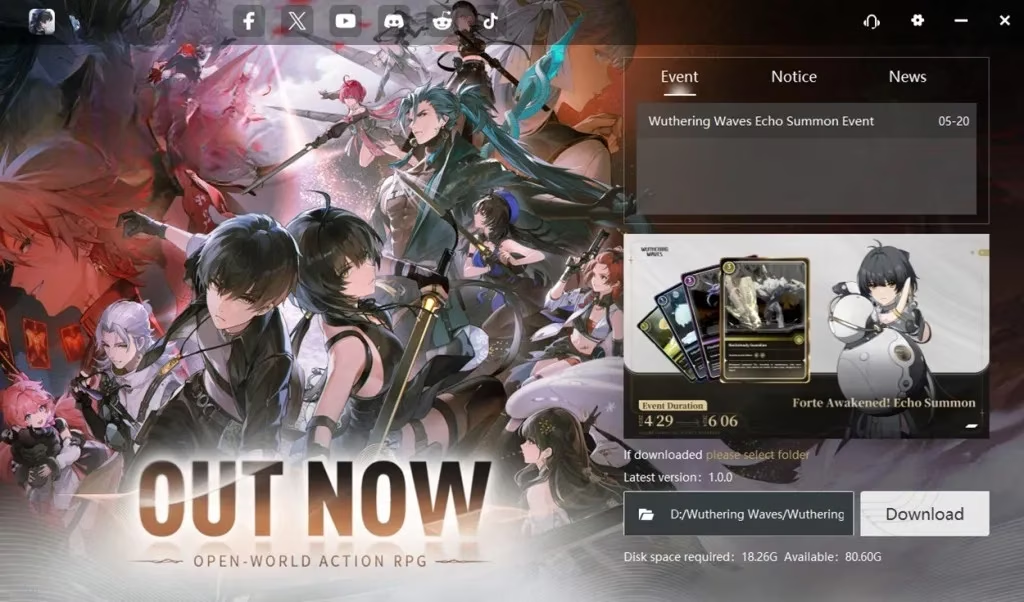
Pre-Download Sizes at Launch
The pre-download was split between storefront installation and in-game data, which meant players needed to account for both phases. The initial sizes were as follows:
| Platform | Total Size | Breakdown |
|---|---|---|
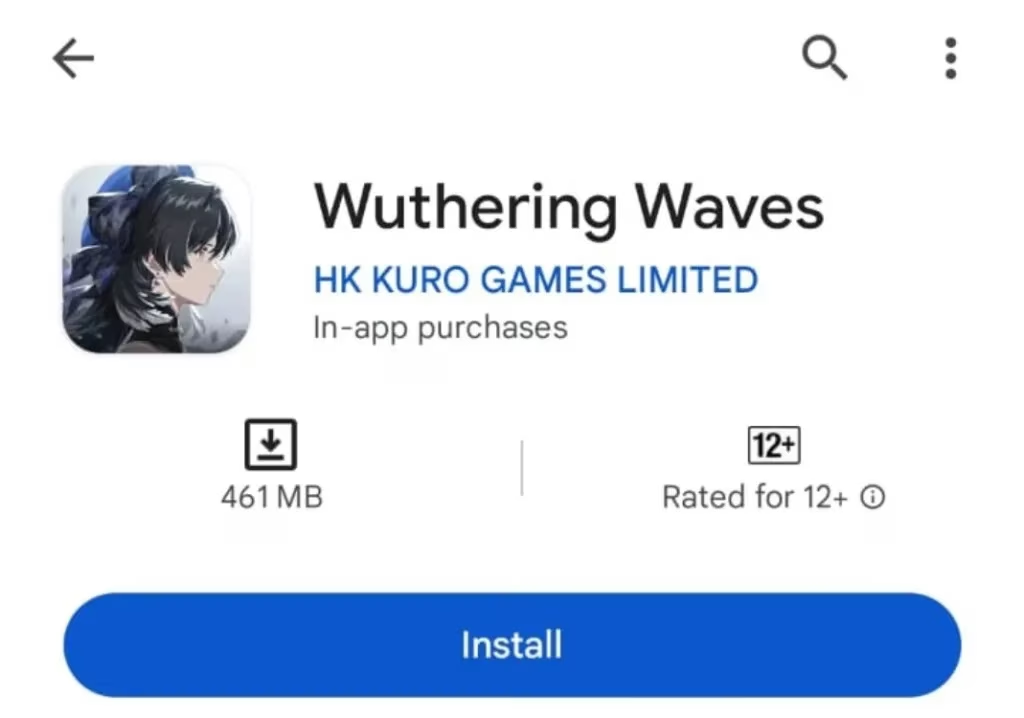
| Android | 7.75 GB | 462 MB via Google Play Store + 7.30 GB in-game |
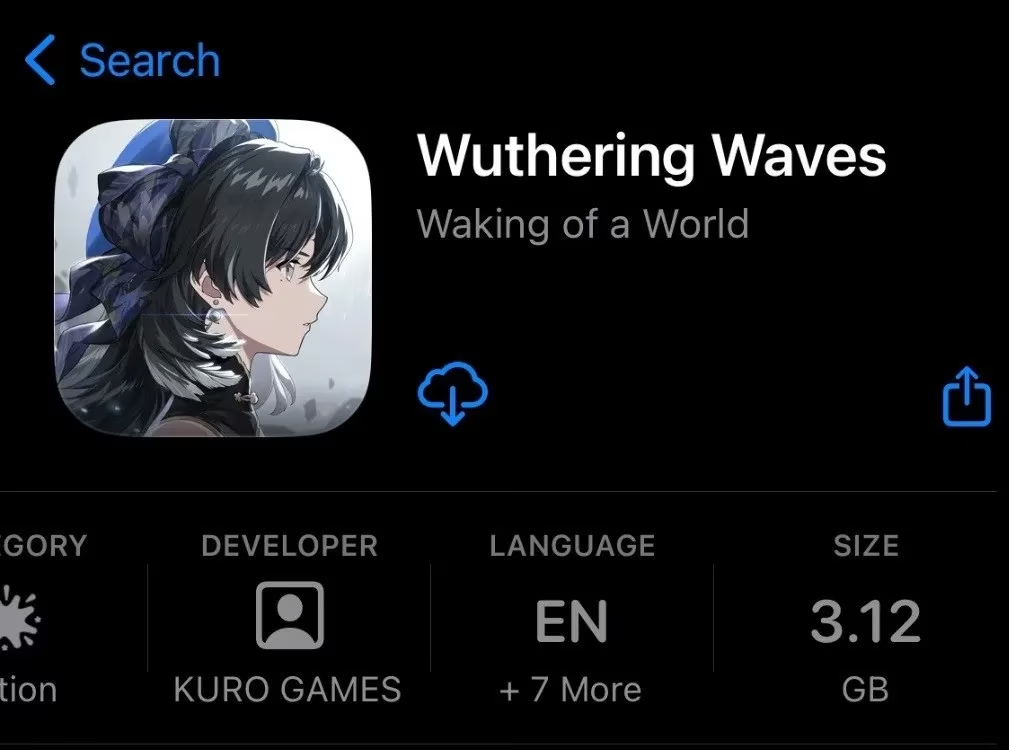
| iOS | 9.4 GB | 3.12 GB via Apple App Store + 6.28 GB in-game |
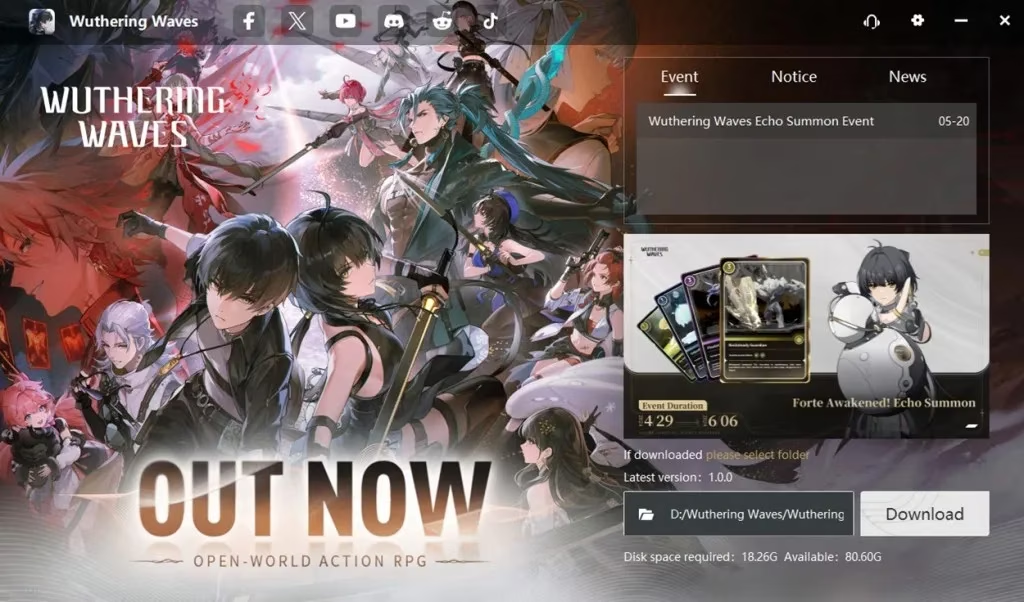
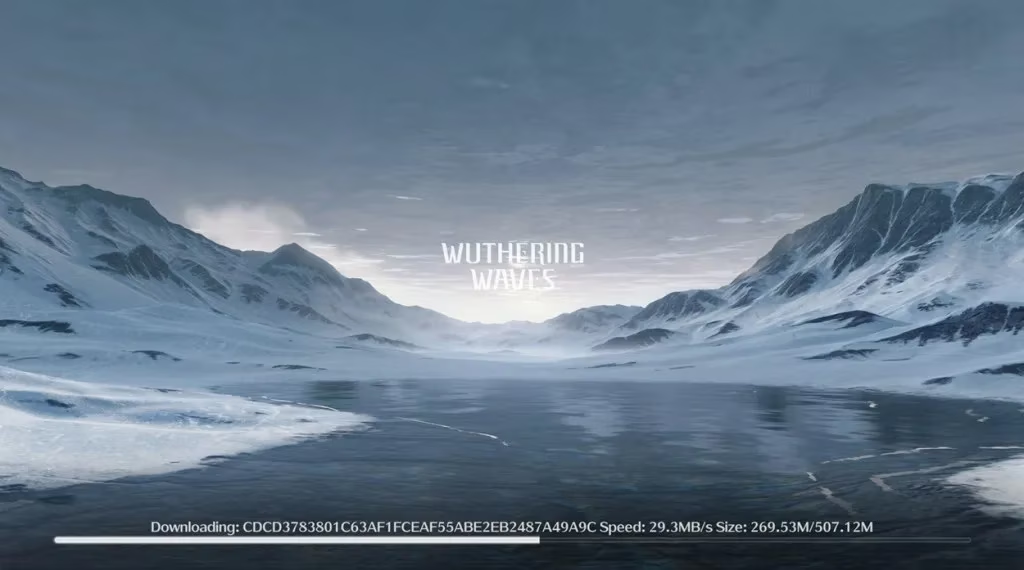
| PC | 18.75 GB | 18.26 GB via launcher + 507.12 MB in-game |
Kuro Games recommended keeping at least 10 GB of free space on Android, 9.4 GB on iOS, and 25 GB on PC to ensure a smooth installation. In 2026, these figures serve as a baseline; ongoing updates and additional content may increase the overall storage footprint, so players should check the latest requirements before downloading.
How to Pre-Download on Android
The Android pre-download process was straightforward and began with the Google Play Store. Players visited the Wuthering Waves page, selected the install option, and waited for the initial package to download. After that, opening the game triggered the in-game installation, which pulled the remaining data. The two-step approach was designed to streamline the experience, but a stable internet connection was essential.

How to Pre-Download on iOS
iOS players followed a similar path through the Apple App Store. They started the installation from the game’s store page, waited for the app to download, and then launched the game. A critical step was selecting the correct server before the in-game download began. This choice affected ping, matchmaking, and overall account progression, so players were advised to pick a server that matched their region.

How to Pre-Download on PC
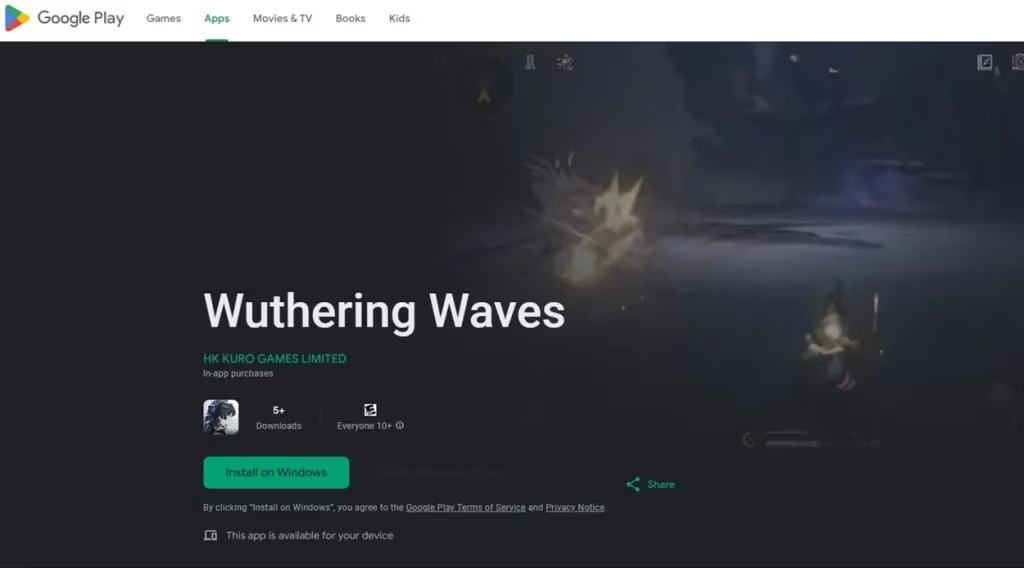
PC players had two main routes. The first was Google Play Games, which only worked on Windows 11. Players downloaded the launcher, installed it, ran the Wuthering Waves Launcher, and clicked the download button. After the launcher finished, running the game initiated the final in-game download. The second route was the Epic Games Store, which was expected to unlock pre-download at 3:00 AM PT on the official pre-download date. In 2026, the Epic Games Store version is fully available, and the same general steps apply: install the launcher, download the game files, and complete the in-game setup.
Practical Tips for a Smooth Installation
-
🧹 Clear unnecessary files before starting. The initial sizes were moderate, but future updates can expand the footprint.
-
📶 Use a stable Wi-Fi connection. Large downloads are prone to interruptions on unstable networks.
-
🌍 Choose the correct server on iOS and Android before the in-game download. Server selection is permanent in many cases.
-
💾 On PC, verify that the launcher and game are installed on a drive with sufficient free space.
-
🔄 Check for the latest patch notes. In 2026, Wuthering Waves receives frequent updates, and pre-loading a new version may require additional steps.
Why Pre-Downloading Mattered
Pre-downloading allowed players to jump into Wuthering Waves immediately at launch without waiting for hours of installation. For a live-service gacha game with a strong focus on exploration, combat, and character collection, early access to the servers provided a competitive edge and a smoother first-day experience. The same principle applies in 2026: pre-installing before a major update or a new account setup reduces downtime and lets players focus on the game itself.
As Wuthering Waves continues to evolve, the pre-download process has become a familiar routine for its community. Whether players are installing the game for the first time or returning after a break, the platform-specific steps and storage considerations outlined above remain a reliable guide. Keeping an eye on official announcements for current file sizes and server status is always recommended, especially as the game’s content expands.