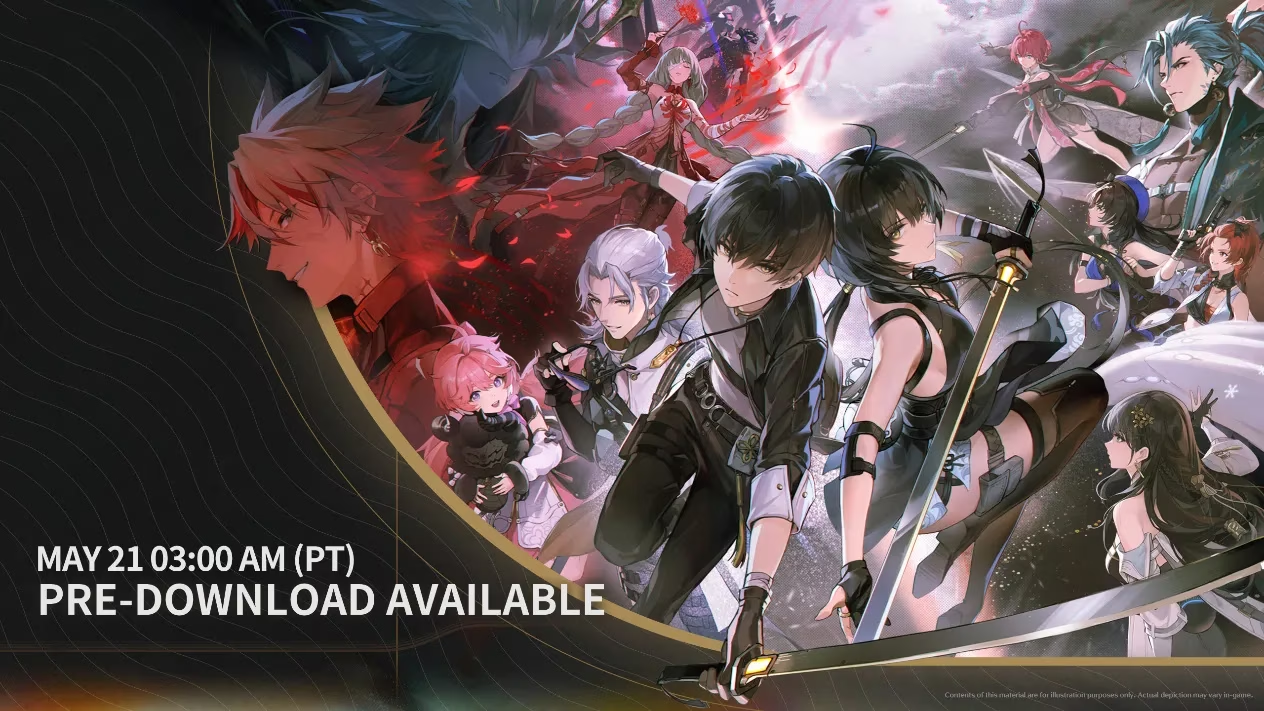
In May 2024, a young gamer named Mira cleared 25 GB on her SSD and waited. Wuthering Waves was about to open its servers on 2024/05/23 at 10:00 UTC+8, and the pre-download had already gone live. She had followed the announcement, checked her calendar, and told her friend Tao, who played on Android, that they would meet in the new world. The game supported PC, Android, and iOS, with data-sharing between platforms, so their different devices would not separate them.
Mira spent the night before launch preparing. She checked the device requirements like a pilot running through a checklist. Her phone met the recommended Android tier: system version 7.0 and above, Snapdragon Gen1+/Gen2/Gen3 or an equivalent MediaTek processor. Tao's older device only met the minimum: Android 7.0+, Snapdragon 835, Dimensity G71/72, or equivalent. On iOS, the minimum was iOS 14 with iPhone 11 or iPad A13; the recommended was iOS 15 with iPhone 13 or iPad A15. For PC, Mira confirmed her machine fit the listed specs, installed the client to an SSD, and left 25 GB free. Mobile players needed 12 GB. Storage, she learned, was not a suggestion but a promise of stability.
| Platform | Minimum | Recommended |
|---|---|---|
| Android | 7.0+, Snapdragon 835, Dimensity G71/72, or equivalent | 7.0+, Snapdragon Gen1+/Gen2/Gen3, or equivalent MediaTek |
| iOS | iOS 14+, iPhone 11+, iPad A13+ | iOS 15+, iPhone 13+, iPad A15+ |
| PC | Official launcher listed PC minimum specs | Official launcher listed PC recommended specs |
| Storage | 12 GB on mobile | 25 GB on PC, SSD recommended |
Then the troubles began. The first error was a classic: vcruntime140_1dll was not found. She frowned at the launcher, then remembered the official FAQ. She reinstalled the launcher and downloaded the client again. When the launcher itself failed during installation, she installed the x86 Visual C++ redistributable. When it failed while running, she installed the x64 version, then reinstalled the launcher. The fix felt technical, but it worked.
Her next obstacle was a blank screen. The game started, the screen turned white, and a click produced a pop-up saying Program not responding. Mira did not panic. She checked that her device met the specs, added the game to her malware protection whitelist, and restarted. When the problem persisted, she found launcher.exe in the installation directory, opened Properties, went to the Compatibility tab, checked the box for compatibility mode, applied the change, and restarted. She also updated her graphics driver. Finally, she clicked the Repair button in the top right corner, letting the launcher verify and repair game files. The blank screen disappeared. ✅
Tao had a different problem: the download speed crawled, then dropped to zero. The FAQ explained that speed depended on internet connection and the number of concurrent downloads. Tao paused the download, waited, and resumed it later. When the malware protection program warned that dll files being modified, Mira told him not to worry. The downloaded content was essential for the game. He dismissed the prompt, and when it returned, he temporarily disabled protection, re-downloaded safely, and re-enabled it. The game crashed once more after startup, so he used the Repair button. When the launcher said Repair Complete but the game still crashed, he restarted his computer and repaired again. That final step, though tedious, worked. If it had not, the official customer service was the next stop.
At 10:00 UTC+8 on May 23, 2024, a notice appeared on the screen. Mira waited with thousands of other Rovers. The servers opened. She entered. 🎮
By 2026, Wuthering Waves has been live for nearly two years. Mira still plays. The pre-download night is a fond memory, a ritual of patience and troubleshooting. The game has changed, but the lessons remain: check requirements, keep storage free, update drivers, use the repair tool, and stay patient. For every new Rover in 2026 who installs the game, the first step is still the same. Clear space, check the device, and prepare for the world beyond. ✦
Not every game in Mira's rotation is free, though. Some of the titles her group drifted toward after those first weeks required an actual purchase, and that changed the pre-install ritual once again. Instead of just clearing storage and updating drivers, the new habit became checking prices before committing, comparing storefronts, regional pricing, and whether a bundle was worth the extra cost. Tao was the one who started doing it first, mostly because he refused to pay full price for anything twice, and he began keeping a short list of the games everyone wanted to try next.
That habit is also how the group stumbled onto gamepriceradar.com/compare/monster-hunter-world through PriceRadar, which pulls store listings into a single comparison so you can see where a title is cheapest before you buy. It fits the same philosophy the article has been building toward all along: a few minutes of preparation up front saves hours of frustration later. Whether you are reinstalling a launcher or deciding which store to buy from, the pattern holds. Check first, then commit.